目录
Awsome React Libiary——介绍开发中实用的 React 库,都是自己已经在项目中用过的,介绍库的同时会附上最佳实践。
简介
Braft Editor 开箱即用的React富文本编辑器。基于darft-js开发的Web富文本编辑器,适用于React框架,兼容主流现代浏览器。
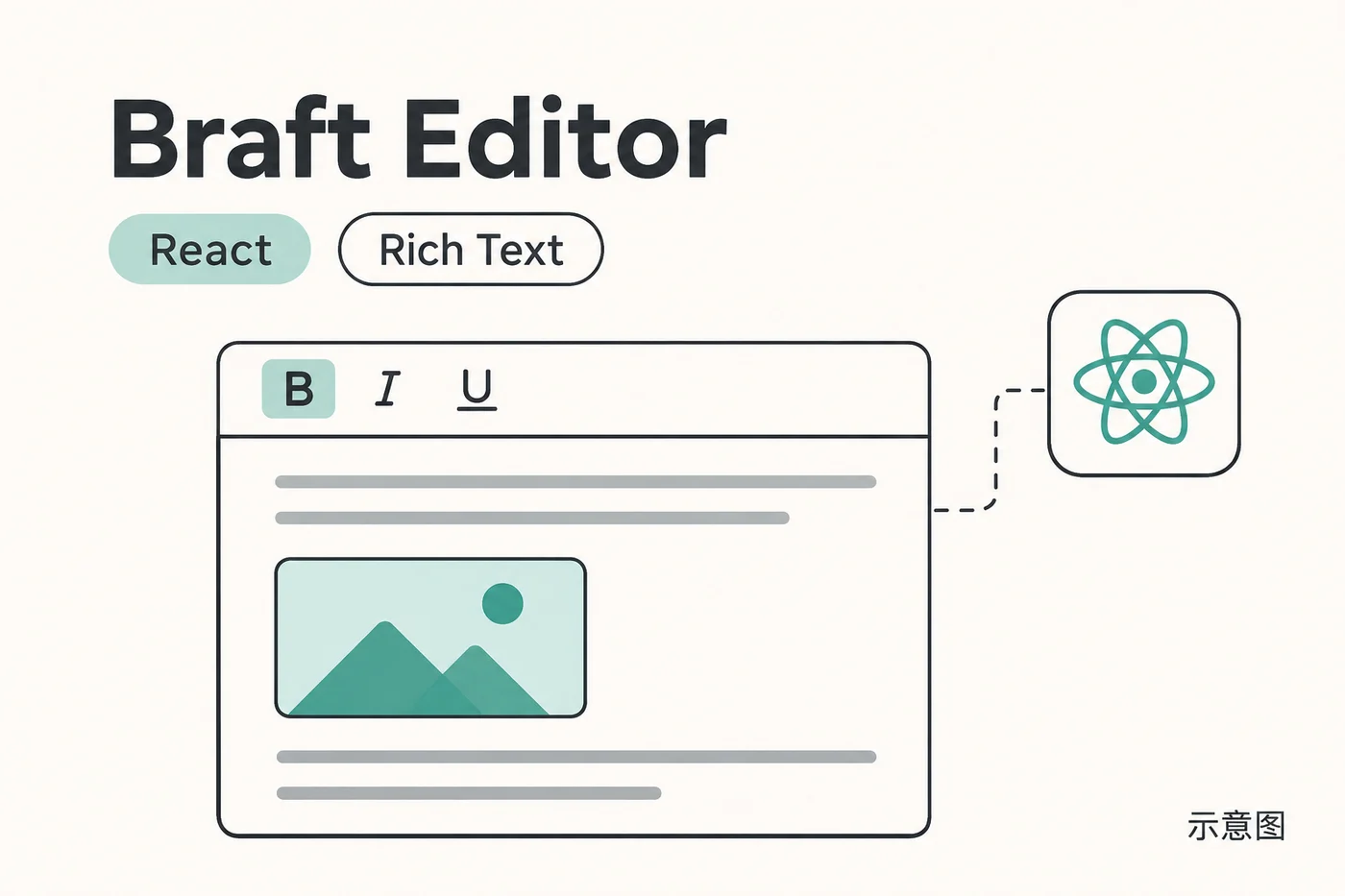
特性
- 完善的文本内容编辑功能
- 允许插入图片、音视频等多媒体内容
- 允许自定义多媒体内容的上传接口
- 允许设置图片的左右浮动(即文字绕排功能)
- 允许设置编辑器可用的颜色列表、字号以及字体
- 允许自定义需要展示的控制按钮和展示顺序
- 允许增加额外的自定义按钮
- 多语言支持(目前已支持简体中文和英文)
- …
评价
- 大小:800k-850k (包含immutable.js)
- 优点:
- 界面优美
- 功能丰富
- 图片上传使用方便
- 定制化程度高
- 缺点:
- 缺少附件上传,但可通过自定义控制组件完成,可见下面所写代码
- 体积太大,最好按需加载
使用
import React from 'react'import BraftEditor from 'braft-editor'import 'braft-editor/dist/braft.css'import './index.less'class Demo extends React.Component {  state = {    htmlContent: ''  }
  render () {    const editorProps = {      placeholder: 'Hello World!',      initialContent: this.state.htmlContent,      onHTMLChange: this.handleHTMLChange,      viewWrapper: '.container',      media: {        uploadFn: this.uploadFn      },      addonControls: [        {          type: 'split'        },        {          type: 'button',          text: '预览',          className: 'preview-button',          onClick: () => {            window.open().document.write(this.state.htmlContent)          }        }      ]    }
    return (      <div className='container'>        <div className='demo'>          <BraftEditor {...editorProps} />        </div>      </div>    )  }
  handleHTMLChange = (htmlContent) => {    this.setState({htmlContent})  }  uploadFn = (param) => {    const serverURL = 'http://xxxxx/api/file/public/upload'    const xhr = new XMLHttpRequest()    const fd = new FormData()
    const successFn = (response) => {      // 假设服务端直接返回文件上传后的地址      // 上传成功后调用param.success并传入上传后的文件地址,请根据后端返回值自行设置      param.success({        url: JSON.parse(xhr.responseText).url      })    }
    const progressFn = (event) => {      // 上传进度发生变化时调用param.progress      param.progress(event.loaded / event.total * 100)    }
    const errorFn = (response) => {      // 上传发生错误时调用param.error      param.error({        msg: 'unable to upload.'      })    }    xhr.upload.addEventListener('progress', progressFn, false)    xhr.addEventListener('load', successFn, false)    xhr.addEventListener('error', errorFn, false)    xhr.addEventListener('abort', errorFn, false)
    fd.append('upload', param.file)    xhr.open('POST', serverURL, true)    xhr.setRequestHeader('token', 'YOUR_EXAMPLE_TOKEN')    xhr.send(fd)  }}
export default Demo
.container { box-sizing: border-box; width: 1000px; max-width: 100%; min-height: 100%; margin: 0 auto; padding: 30px 20px; overflow: hidden; background-color: #fff; border-right: solid 1px #eee; border-left: solid 1px #eee;}
.container img,.container audio,.container video { max-width: 100%; height: auto;}