目录
在使用
axios前一直都是用的html5标准接口fetch进行ajax请求,也对axios有所耳闻,但真正使用它的时候,才体会到它的强大与便利。
简介
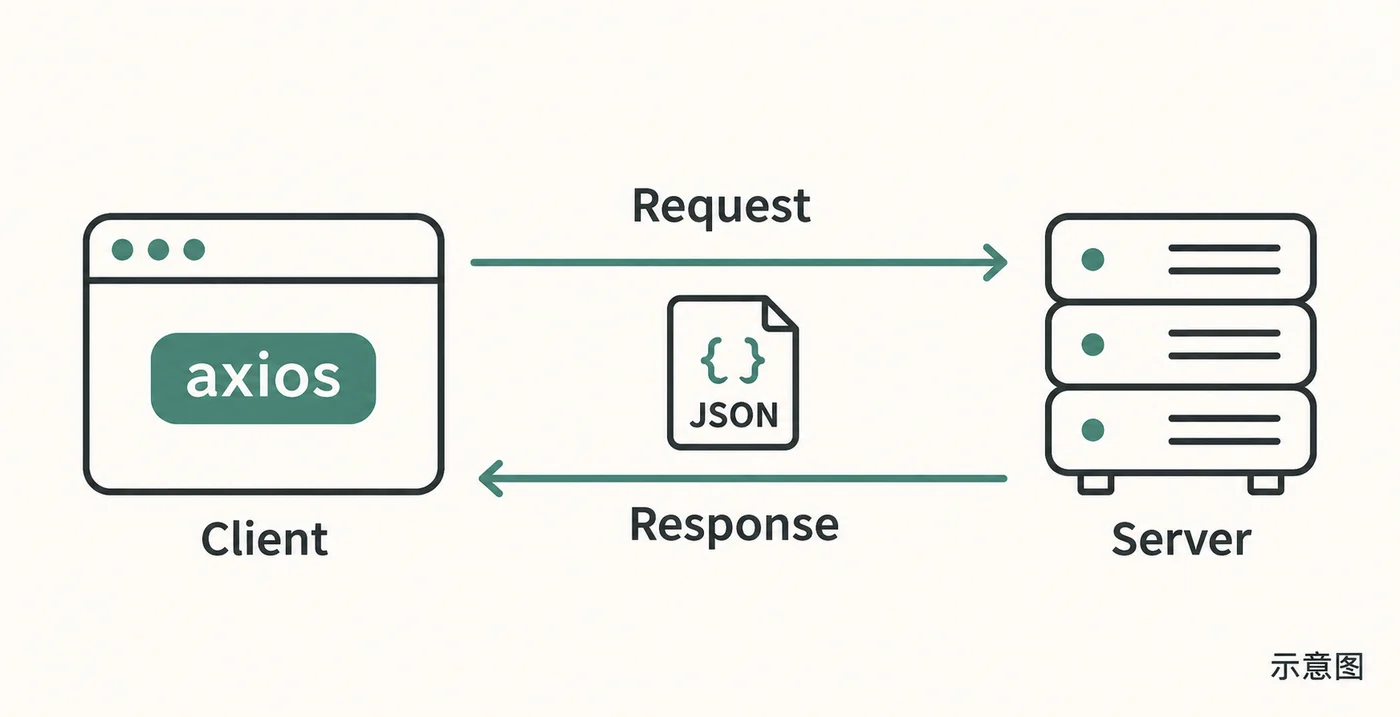
Axios 是一个基于 Promise 的 HTTP 库,可以用在浏览器和 node.js 中。
特性
- 从浏览器中创建 XMLHttpRequests
- 从 node.js 创建 http 请求
- 支持 Promise API
- 拦截请求和响应
- 转换请求数据和响应数据
- 取消请求
- 自动转换 JSON 数据
- 客户端支持防御 XSRF
- …
评价
- 大小:19k (打包后分析得到的数据)
- 优点:
- 功能强大
- 定制化程度高
- 特征都是优点啊
- 缺点:
- 可能 axios 对比业界其他请求库文件大小还是偏大,个人并不觉得
- 仍需要手动添加
Promise polyfill
使用
怎么使用在此不再赘述,我将提供我自己使用的网络请求二次封装,提供 token 选项,提供 blob 文件下载
封装代码
-
request.js
request.js import axios from 'axios'const axiosOptions = (config) => ({timeout: 30000,header: config.token ? {'token': 'someway to get token'} : {},baseURL: '' // set request base url})const fetch = options => {let {method = 'get',data,url,token = false} = optionsconst axiosOptions = axiosOptions({token})const myAxios = axios.create({axiosOptions})switch (method.toLowerCase()) {case 'get':return myAxios.get(url, {params: data})case 'delete':return myAxios.delete(url, {data: data})case 'post':return myAxios.post(url, data)case 'put':return myAxios.put(url, data)case 'patch':return myAxios.patch(url, data)case 'export':return myAxios.get(url, {params: data,responseType: 'blob'})default:return myAxios(options)}}const downFile = (blob, fileName) => {if (window.navigator.msSaveOrOpenBlob) {window.navigator.msSaveBlob(blob, fileName)} else {let link = document.createElement('a')link.href = window.URL.createObjectURL(blob)link.download = fileNamelink.target = '_blank'link.click()window.URL.revokeObjectURL(link.href)}}/*** Custom request based on axios* @param options See below examples* @returns {Promise.<*>}*/export default async options => {const res = await fetch(options)if (options.method === 'export') {downFile(res.data, options.filename)return true}const {data} = resreturn data}
组件中使用
参数为一个对象,method 指定请求方法,url 指定请求 api url(已指定 baseUrl,data 指定 params/querystring (get/delete)或 body(post/put/patch) ,还有一个参数 token,为 true 时请求 headers 中带 token 字段,其值如何获取在 request 函数中设置。自定义的 export 方法用于 get 方法请求 blob 数据的下载封装,你可根据自己需要定制。
get、delete
import request from 'request'request({ method: 'get', url: '/item/:id'.replace(':id', id), data: params})post、put、patch
request({ method: 'post', url: '/item/create', data: body, token: true})export
request({ method: 'export', url: '/item/:id'.replace(':id', id), data: params, token: true})